Someone Hacked My Instagram and Locked Me Out of My Own Life
Instagram hacked and the email or password changed? A college guy's plain guide to recovery steps, warning friends, protecting accounts, and where to report.
“Nearly re-enrolled in English class while reading a lease.”
Theology · Scripture Cards
Open a scripture card
Already read and shared by 315 people.
 The Rainbow Covenant
Genesis 9:13, 16
I set my rainbow in the cloud, and it will be a sign of a covenant between me and the earth. … The rainbow will be in the cloud. I will…
Read this card
 I Am the Light of the World
John 8:12
Again, therefore, Jesus spoke to them, saying, “I am the light of the world. He who follows me will not walk in the darkness, but will have…
Read this card
 A Fourth Walking in the Fire
Daniel 3:25
He answered, “Look, I see four men loose, walking in the middle of the fire, and they are unharmed. The appearance of the fourth is like a…
Read this card
 The Lord Will Fight for You
Exodus 14:13-14
Moses said to the people, “Don’t be afraid. Stand still, and see the salvation of Yahweh, which he will work for you today; for you will…
Read this card
 His Flesh Was Restored
2 Kings 5:14
Then he went down and dipped himself seven times in the Jordan, according to the saying of the man of God; and his flesh was restored like…
Read this card
 I Am with You
Genesis 28:15
Behold, I am with you, and will keep you, wherever you go, and will bring you again into this land. For I will not leave you until I have…
Read this card
 He Is Not Here, He Has Risen
Matthew 28:5-6
The angel answered the women, “Don’t be afraid, for I know that you seek Jesus, who has been crucified. He is not here, for he has risen…
Read this card
 Let There Be Light
Genesis 1:3-4
God said, “Let there be light,” and there was light. God saw the light, and saw that it was good. God divided the light from the darkness.
Read this card
Key Takeaways
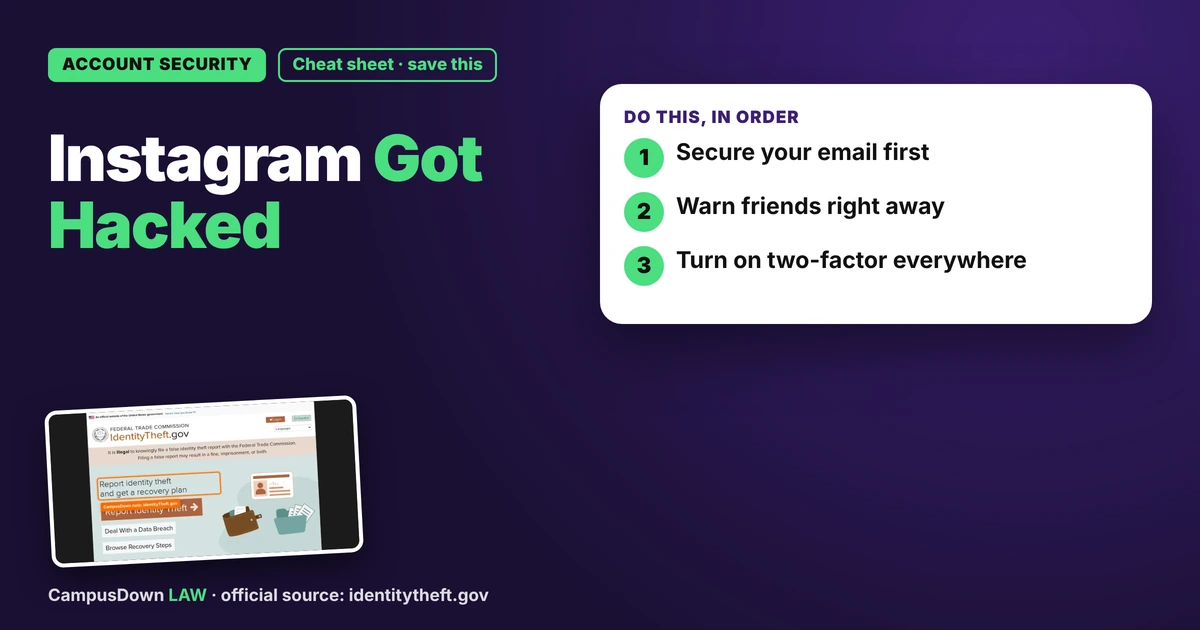
- Secure your email first.
- Warn friends right away.
- Turn on two-factor everywhere.
General information, not legal advice. Rules vary by state and can change; check the official sources linked in this guide.
My nightmare scenario: I wake up to texts from friends asking, "Bro, why are you selling crypto on your story?" I am not. Someone has taken over my Instagram, swapped the email, and is pitching a fake investment to everyone I know, including a girl I have been slowly working up the nerve to ask out. Perfect. If you are living that right now and panic-searching my instagram got hacked and they changed my email, here are the steps I mapped out.
Quick disclaimer: I'm a student, not a security professional or lawyer. Apps change their recovery menus all the time, so follow the platform's current help pages.
First hour: damage control
- Use the app's "forgot password" or "need more help" recovery flow. Many platforms have options for when the email was changed.
- Check your email inbox (and spam) for a message from the platform about the email change. Some of those messages include a link to reverse it.
- Text close friends from your phone: "My account was hacked. Ignore any money or crypto messages."
That last step matters most. The scam works because people trust messages that look like they came from a friend. The wiki on information asymmetry explains why: the scammer knows it's fake, your friends don't.
Lock down everything else
- Change passwords anywhere you reused the old one.
- Turn on two-factor login on Instagram once you're back in.
- Check "logged-in devices" and kick out anything you don't recognize.
- Remove sketchy third-party apps connected to your account.
The status quo bias kept me using the same password for years. Never again.
When it might be bigger than a hacked account
If they got personal info like your SSN, bank details, or used your identity elsewhere, IdentityTheft.gov has steps and a recovery plan. If friends sent money to the scammer, they can report it to their bank or payment app quickly. Online scams can also be reported to the FBI's IC3.
Getting the account back
Recovery can take days. Keep trying the official recovery flow and avoid "account recovery services" that DM you. Those are often a second scam. The wiki on privacy rights in the US gave me context on how little control we sometimes have over our data.
What I changed
- Password manager instead of my dog's name plus 123.
- Two-factor on email, bank, and socials.
- A recovery email and phone number that are actually current.
Recovery isn't instant, so patience is part of the plan. And if that girl asks about the crypto posts, at least I have a funny (painful) story ready.
Legal stuff is easier with a friend. Send this to someone who could use it.
Pick an app — it just sends the link, nothing else.
Frequently Asked Questions
What do I do first if my Instagram is hacked?
Use the official recovery flow and check your email for the change notice.
Should I warn my friends?
Yes. Tell them to ignore money or crypto requests.
What if my identity was stolen too?
IdentityTheft.gov has steps and a recovery plan.
Should I pay a recovery service?
Be careful. Unofficial services are often scams.